
Remote First, On Site When Needed
IT Support in Cincinnati, OH
Say what broke. Start there.
Business IT Support for Cincinnati Offices
IT support in Cincinnati gives your staff one place to call when a computer, login, printer or network stops working. Most problems are fixed by remote session. Hardware gets a scheduled visit. Send your headcount and what broke last for a custom quote.
Remote first is not laziness. It is traffic. The Brent Spence companion bridge broke ground in May 2026, and corridor work is projected to run into 2033. A technician stuck on I-75 fixes nothing. A remote session starts now.
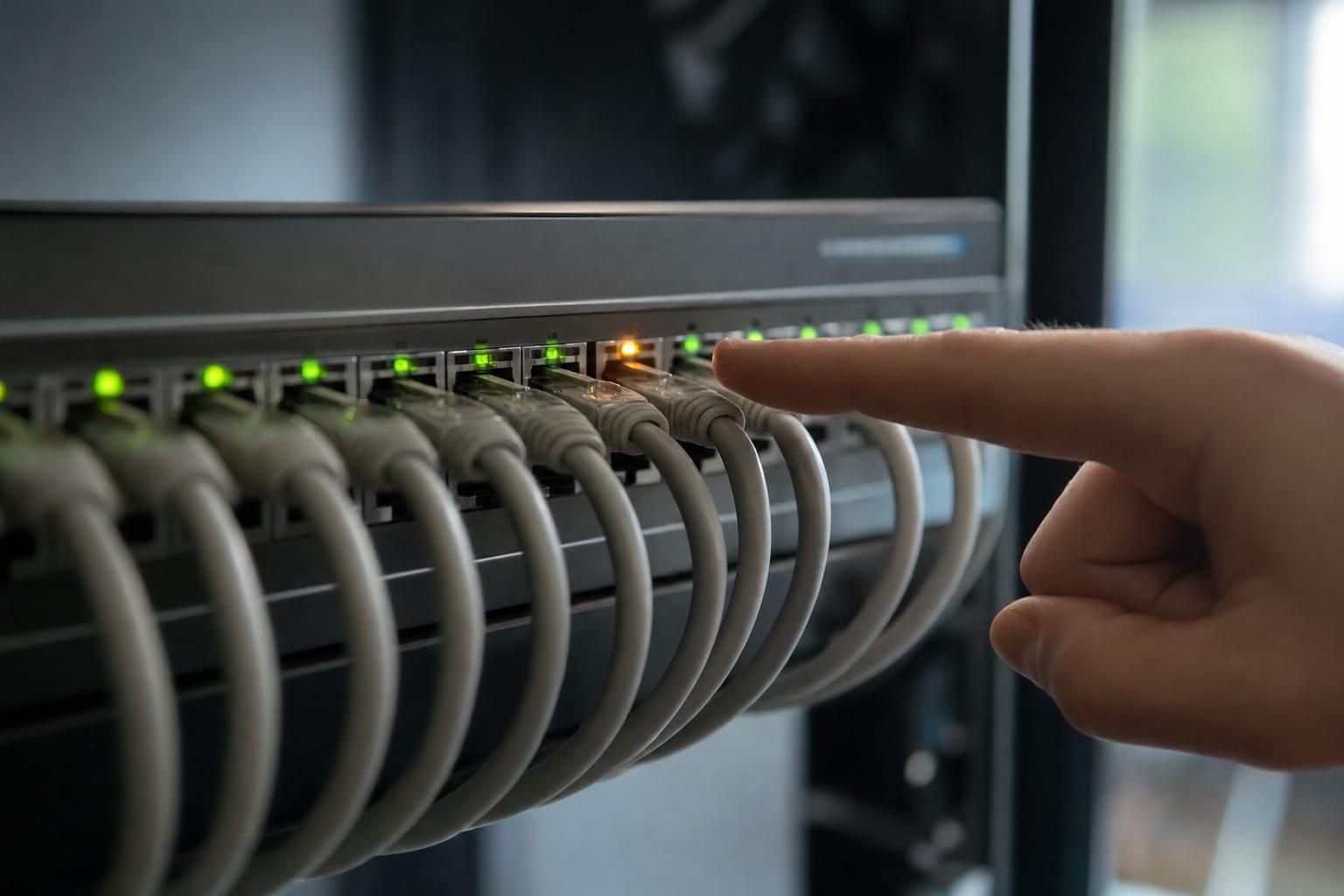
Some things need hands. A dead power supply. A switch with a blinking amber port. A docking station that cooked itself. Those get a visit, booked for a time that suits the office.
Managed Services Cincinnati Is Proud to Serve Ohio
What IT Support Covers Day to Day
The same handful of problems make up most tickets in any office. Support is set up to close them and then stop them repeating.
Lockouts and Password Resets
Identity is confirmed before any reset. A voice on the phone is not proof of who is calling.
Email Trouble
Outlook that keeps asking for credentials, a full mailbox, a shared calendar that will not sync.
Slow or Frozen PCs
Checked for a failing drive, low memory or one bad update before anyone says buy a new one.
Printers and Scanners
Scan-to-email that quit after a password change, drivers that vanish, the tray nobody can select.
Wi-Fi and Network Drops
Traced to the access point, the switch or the internet circuit, with the cause noted.
New Computers
Set up with the user's accounts, software and files, and the old drive wiped.
IT Support Cost in Cincinnati
| Support type | Price | What changes it |
|---|---|---|
| Monthly help desk plan | Custom quote | Number of users and hours of coverage |
| Hourly, call when needed | Custom quote | How often you call and how urgent it is |
| On-site visit | Custom quote | Travel, time on site and parts |
Ask any provider what counts as after hours and what an emergency visit costs. Those two lines cause most billing arguments. Get them in the quote.

Why Choose Us for IT Support?
Cause Written on the Ticket
Every fix records what failed and why. After a quarter, the log shows which machine is the real problem.
No Reset Without Proof
You choose how callers are verified, and the desk follows it every time.
Remote Sessions You Can Watch
Your employee approves the connection and sees what is done.
Visits Booked Around Your Day
On-site work is arranged ahead for a time you pick.
Talk to a Cincinnati Managed IT Team
What broke most recently, and how many people did it stop?
Call (937) 998-4618Get a Free Quote
No obligation.

How IT Support Gets Set Up
First Call
You describe the office and the problems that keep coming back.
Device and Account List
Computers, users and admin logins are recorded so support is not guessing later.
Scope and Quote
Hours, coverage and exclusions arrive in writing.
Staff Introduction
Everyone learns the one number and one email to use.
Quarterly Review
Repeat tickets are pulled and their causes fixed.
IT Support Questions
What does IT support do for a business?
IT support keeps staff working by fixing computer, account, email, printer and network problems as they come up. Good support also records the cause of each one, so the same failure stops returning. It is the daily piece of a larger IT plan.
Is remote IT support as good as on-site support?
Remote IT support resolves most software, account and settings problems faster than a visit, because nobody has to drive. It cannot replace a failed part or trace a cable. A sound plan uses remote sessions first and schedules on-site work for hardware.
What should I have ready before calling IT support?
Have the exact error message, the name of the computer or user, and what changed just before the problem started. A photo of the screen helps. With those three things, a technician can usually tell where to look first.
Other Cincinnati IT Services
- Managed IT Services
- Small Business IT Support
- IT Services
- IT Consulting
- Cybersecurity
- Cyber Insurance Compliance
- Network Support
- Business Phone Systems
- Security Camera Installation
- Access Control Systems
- Structured Cabling
- Conference Room AV
- IT Help Desk
- IT Onboarding and Offboarding
- Application Support
- Printer Support